Tips for Creating a Productive Home Workspace
Creating a productive home workspace is essential for anyone working remotely or juggling tasks at home. A well-designed workspace can help improve focus, reduce distractions, and increase comfort, ultimately enhancing your work performance. Whether you have a dedicated room or just a small corner, there are several ways to optimize the space to suit your needs.
Why a Productive Home Workspace Matters
Working from home comes with unique challenges, such as balancing work and personal life or managing distractions. Having a dedicated workspace signals to your brain that it’s time to focus and be productive. It also helps set boundaries, so you can separate work time from relaxation time more effectively.
Choosing the Right Location
Consider Natural Light and Ventilation
Pick a space with plenty of natural light. Daylight boosts mood and energy levels, reducing eye strain from artificial lighting. Make sure the area is well-ventilated, too, to keep fresh air circulating.
Minimize Distractions
Select a quiet corner or room away from high-traffic areas like the kitchen or living room. This will help you concentrate and lower interruptions.
Furniture and Ergonomics
Invest in a Good Chair
Comfort is key. An ergonomic chair supports your posture and reduces the risk of back and neck pain. Look for adjustable height, lumbar support, and cushioning.
Choose the Right Desk
Your desk should be large enough for your computer, documents, and any other tools you use regularly. Standing desks or adjustable desks offer flexibility to change positions throughout the day.
Monitor Positioning
Place your computer monitor at eye level to avoid neck strain. The screen should be about an arm’s length away.
Organizing Your Workspace
Declutter Regularly
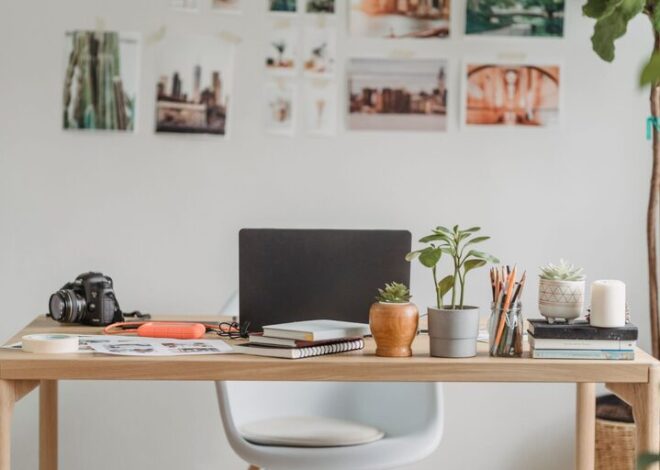
Keep your workspace neat by removing unnecessary items. A clutter-free desk can help clear your mind and boost creativity.
Use Storage Solutions
Use shelves, drawers, or organizers to store supplies like pens, notebooks, and cables. Label containers for easy access.
Cable Management
Tidy up wires with cable clips or sleeves to prevent tangling and keep your area looking clean.
Personalizing Your Space
Adding personal touches makes your workspace inviting and inspiring. Consider:
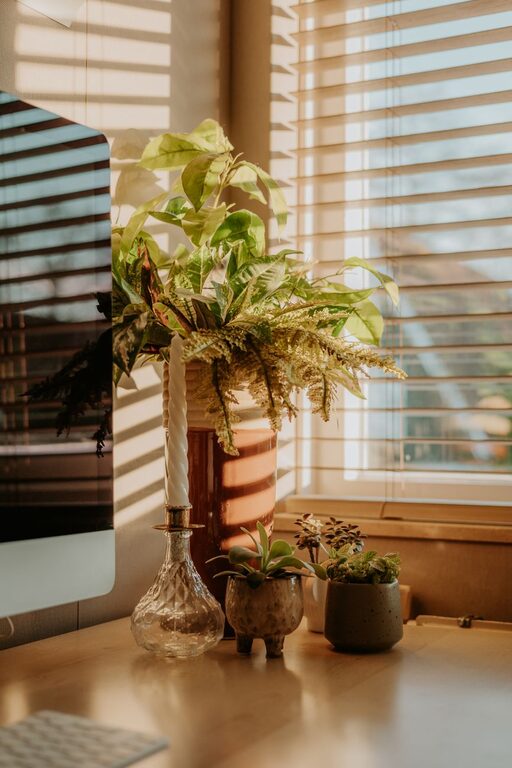
– Small plants to improve air quality and add a refreshing vibe
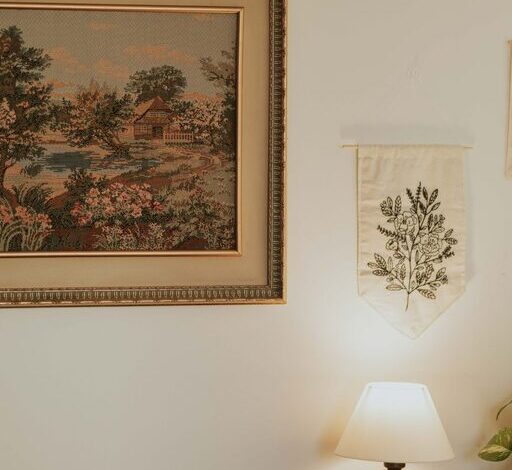
– Artwork or photos that motivate you
– A comfortable rug or cushion for added warmth
Lighting Tips
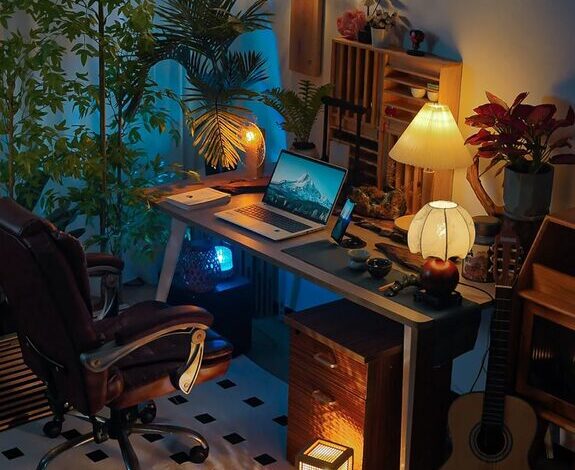
Aside from natural light, use adjustable task lighting to avoid eye strain during evening hours. Soft, warm bulbs are generally better for comfort than harsh fluorescent lights.
Setting Work Boundaries
To maintain productivity, establish clear work hours and communicate them with family or roommates. Use noise-cancelling headphones if needed to block distractions. When your workday ends, physically leave your workspace to separate work from home life.
Technology and Tools
Use reliable internet and keep your devices updated. Productivity apps and calendars can help manage tasks efficiently. Keep your frequently used tools within reach but avoid overcrowding your desk.
Taking Breaks and Moving
Even with the best setup, it’s important to take regular breaks. Stand up, stretch, or take a quick walk to refresh your mind and body.
—
Creating a productive home workspace doesn’t require a large investment or a dedicated room. By focusing on comfort, organization, and personalization, you can create an environment that supports your work and well-being. Start small with these tips and adjust your space as you discover what works best for you.