How to Create a Productive Home Office Space
Creating a productive home office space is essential for anyone working remotely or managing tasks from home. A thoughtful setup can enhance focus, reduce distractions, and improve overall work satisfaction. Whether you have a dedicated room or just a corner in your living area, you can create an environment that supports your best work. This guide offers practical tips to help you build a home office that keeps you motivated and efficient.
Choose the Right Location
Find a Quiet Spot
Select a part of your home where noise and foot traffic are minimal. A quiet space reduces interruptions and helps maintain concentration.
Consider Natural Light
If possible, position your desk near a window. Natural light improves mood and energy levels, which can lead to better productivity.
Keep it Separated
Try to keep your workspace separate from relaxation areas, like the bedroom or TV room, to create a clear boundary between work time and personal time.
Invest in Comfortable Furniture
Ergonomic Chair
A comfortable, ergonomic chair supports your back and encourages good posture. Since you’ll likely spend hours sitting, investing in quality seating is important.
Appropriate Desk
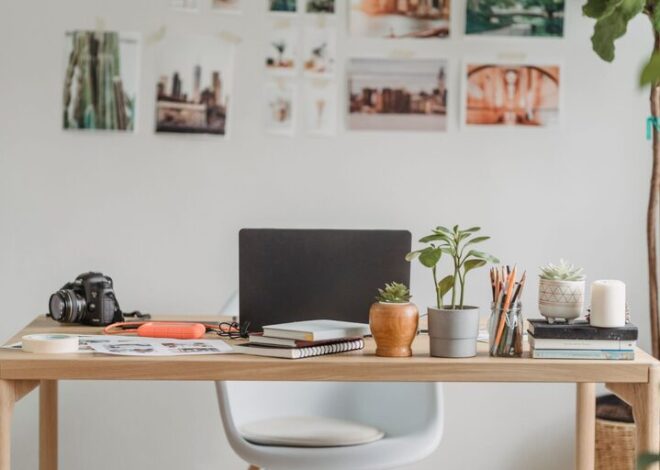
Choose a desk that fits your needs and space. It should be large enough to hold your computer, documents, and other essentials without cluttering.
Adjustable Options
If possible, consider a desk that can adjust for sitting or standing. Changing positions can reduce fatigue and boost circulation.
Organize Your Workspace Effectively
Declutter Regularly
A neat space helps clear your mind. Schedule time each week to tidy up your desk and file away unnecessary items.
Use Storage Solutions
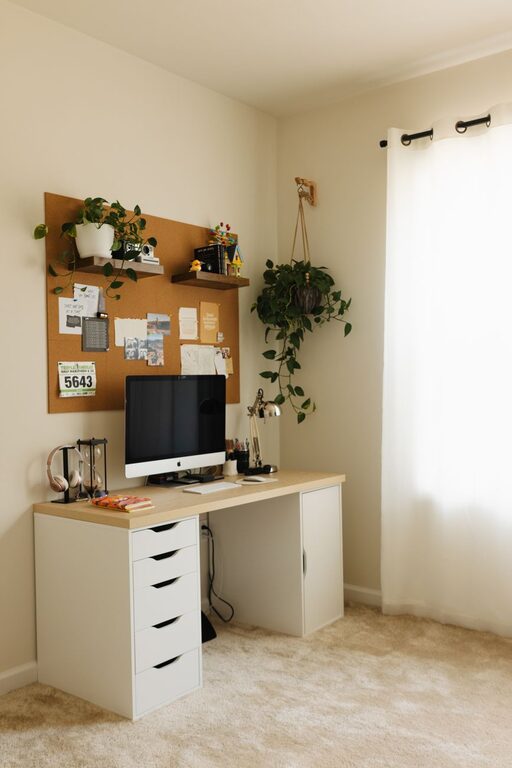
Drawers, shelves, and organizers can keep supplies and papers in order. Label containers to find things easily and reduce frustration.
Manage Cables
Use cable organizers to prevent cords from tangling or taking up desk space. This keeps your workspace safer and visually tidy.
Optimize Lighting and Screen Setup
Task Lighting
In addition to natural light, use a desk lamp with adjustable brightness to reduce eye strain during late work hours.
Screen Positioning
Place your monitor at eye level about 20 inches away to prevent neck strain. Proper monitor height and distance promote comfort during long tasks.
Minimize Glare
Position your screen to avoid glare from windows or overhead lights. You can also use an anti-glare screen protector for additional comfort.
Enhance Focus and Comfort
Establish a Routine
Set consistent working hours to create a sense of normalcy and productivity. A routine helps signal your brain when it’s time to focus.
Personalize Your Space
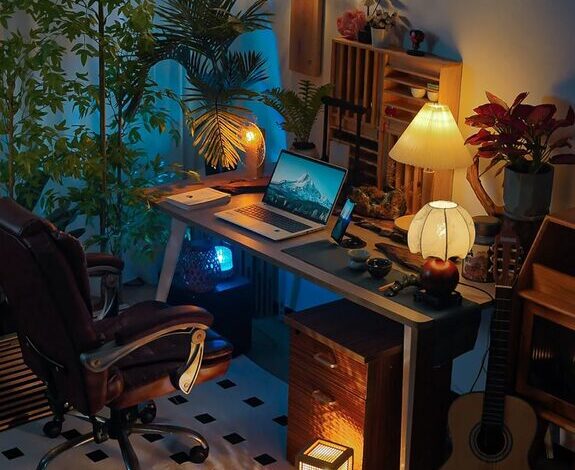
Add items that inspire or calm you, like plants, artwork, or motivational quotes. Personal touches can make your office feel inviting and less sterile.
Control Temperature and Air Quality
Keep the room at a comfortable temperature and ensure good ventilation. Fresh air and a moderate climate help maintain alertness.
Use Technology Wisely
Reliable Internet
A strong and stable internet connection is vital for video calls, research, and cloud-based work. Consider upgrading your router if needed.
Noise-Canceling Headphones
If external noise is a problem, noise-canceling headphones can block distractions and help you focus on tasks or meetings.
Productivity Apps
Tools like calendars, to-do lists, and focus timers can help organize your day and keep track of progress.
Take Breaks and Move
Schedule Regular Breaks
Use techniques like the Pomodoro method—working for 25 minutes followed by a 5-minute break—to stay fresh and prevent burnout.
Physical Movement
Stretch or take short walks during breaks to reduce physical strain and refresh your mind.
Hydrate and Snack
Keep water and healthy snacks nearby to maintain energy levels throughout the day.
Set Boundaries with Others
Communicate Your Schedule
If you live with family or roommates, let them know your work hours and the importance of minimizing interruptions.
Use Visual Cues
A closed door or a “do not disturb” sign can help others recognize when you’re working.
Plan Interaction Times
Schedule moments for social interaction so you can focus during work periods and still maintain personal connections.
—
Creating a productive home office is a combination of practical setup and personal adjustments. By selecting the right location, investing in quality furniture, organizing efficiently, and managing your time and environment wisely, you can build a workspace that supports your goals and well-being. Remember, the best home office is one that fits your unique needs and helps you feel motivated every day.